
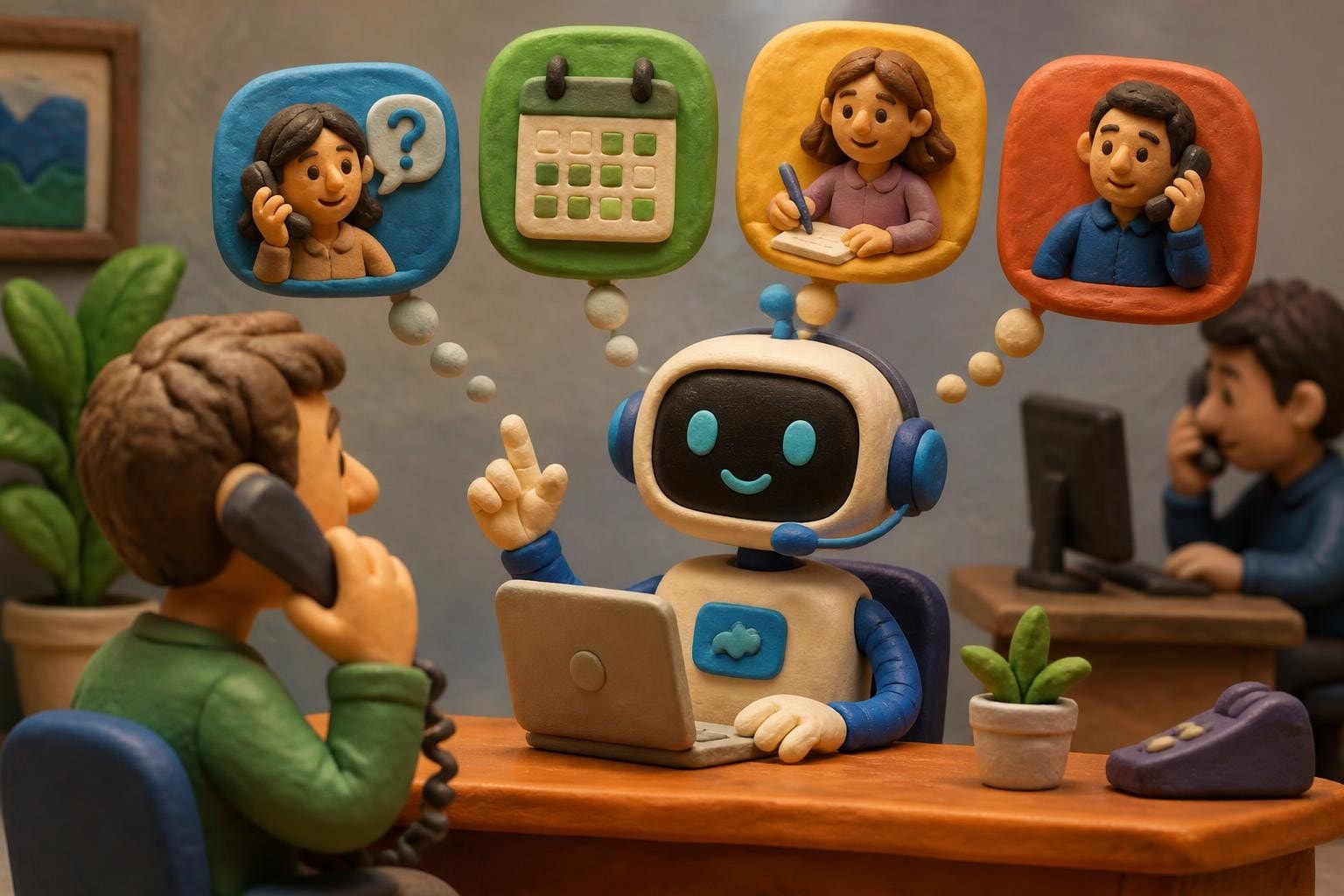
Your phone rings at 8pm. A qualified lead from LinkedIn wants to book a call. Your team went home at 5. The lead hangs up, calls your competitor, and books with them instead. You lost $15,000 in project revenue because nobody picked up. An ai receptionist answers every call, books the meeting into your calendar, and sends the lead a confirmation, all while you sleep. No missed calls. No lost revenue.
What an AI Receptionist Actually Does
An ai receptionist is a voice agent that picks up your business phone. It talks to callers, answers their questions, and takes action based on what they need.
Sarah runs a recruiting firm with 12 people. Her team gets 40 calls per day. Half are clients checking on candidates. A quarter are new leads asking about services. The rest are vendors and spam. Before her ai receptionist, Sarah paid a full time person $45,000 per year just to answer phones and transfer calls.
Now her ai receptionist handles the first conversation. It knows which clients are waiting on candidates. It can book discovery calls with new leads. It transfers urgent calls to the right recruiter. Sarah's team only picks up when a human is actually needed. She cut her reception cost by 70% and leads get answers in 15 seconds instead of waiting on hold.
The Four Jobs It Handles
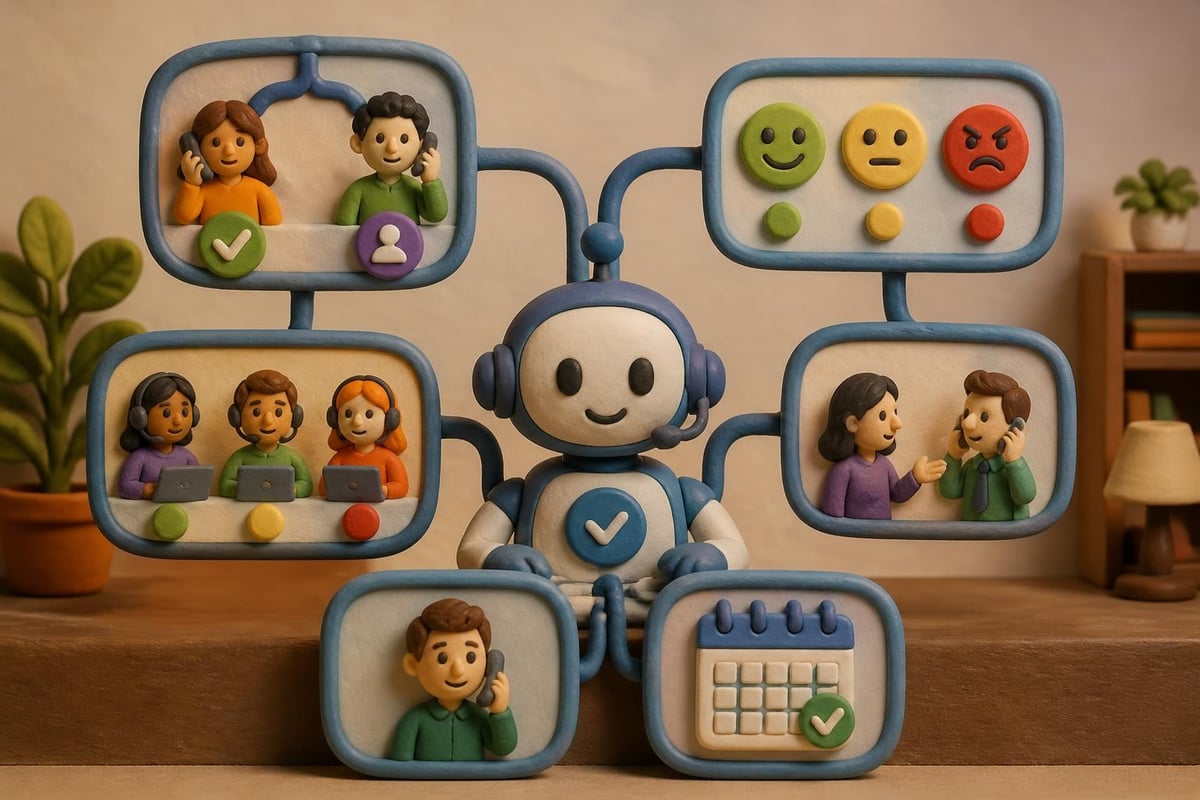
An ai receptionist does four things:
- Answers questions about your services, pricing, process, and timeline
- Books meetings by checking your calendar and confirming slots
- Routes calls to the right person based on what the caller needs
- Captures information like contact details, project scope, and urgency level
It does not replace your sales team. It makes sure every caller gets a response so your sales team only talks to qualified, ready people.
Why Service Businesses Need One in 2026
A marketing agency owner told me he loses 3 calls per week to voicemail. His conversion rate on callbacks is 20%. His conversion rate on live answers is 65%. Those 3 missed calls cost him $8,000 per month in lost projects.
Service businesses sell time and expertise. If a lead cannot talk to someone immediately, they move to the next agency. Your ai receptionist makes sure that never happens. If you are weighing a broader AI chatbot for business beyond phone calls, our guide covers what works and how to build one. If you are weighing AI customer service beyond phone calls, our 2026 guide covers which tasks to automate first and what to keep human.
Speed Matters More Than Perfect
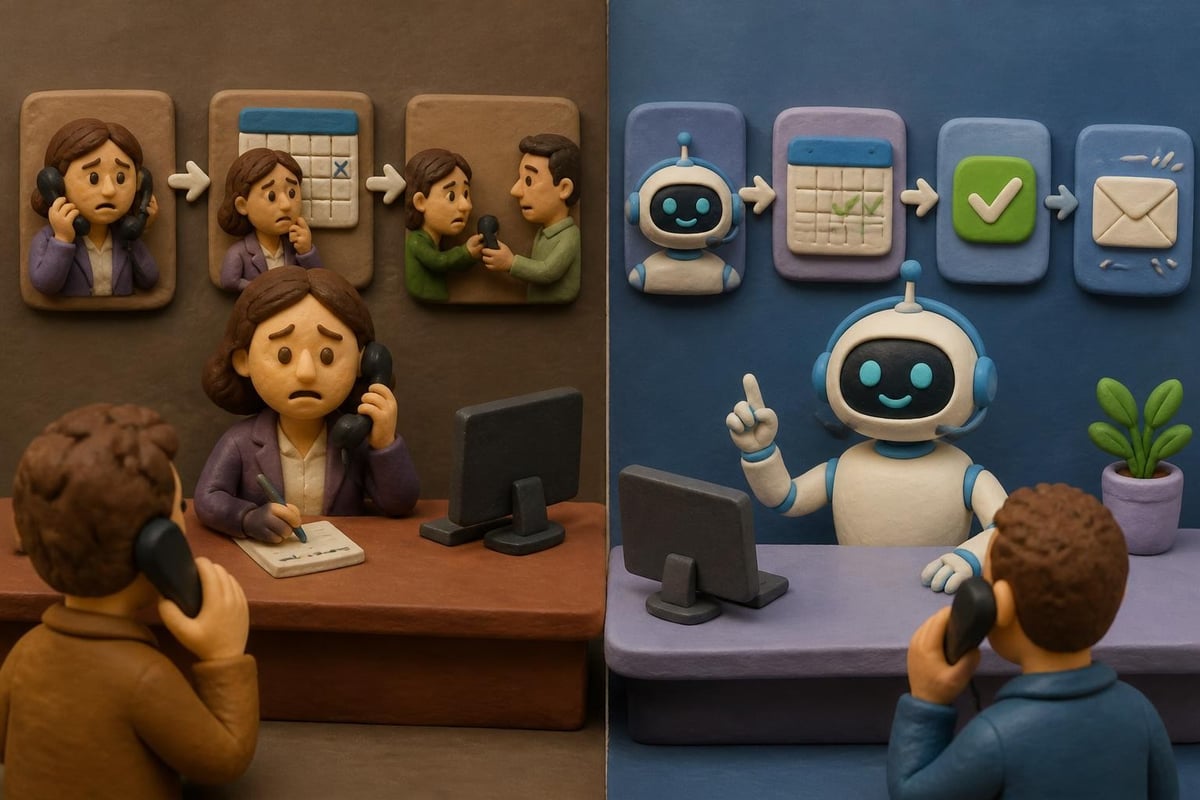
Your ai receptionist answers in 2 rings. Every time. At 3am. On Christmas. During your vacation.
A consultant in our network ran a test. He sent cold emails to 200 prospects with his phone number. Half got through to his ai receptionist. Half got voicemail. The ai receptionist group booked 14 calls. The voicemail group booked 3. Same email. Same offer. The only difference was speed.
Prospects do not wait. They call you, your competitor, and whoever else is on their list. First response wins.
How It Works With Your Phone System
Your ai receptionist connects to your existing phone number. You do not need new hardware or a new number.
Most agencies use one of three setups:
- Direct replacement where the ai receptionist is your main line
- Overflow routing where calls go to your team first, then the agent if nobody picks up
- After hours only where humans answer during business hours and the agent covers nights and weekends
The technical side runs on voice APIs. Twilio and similar platforms connect your phone number to the AI agent using SIP interfaces that route audio in real time. The agent hears the caller, processes what they say, checks your calendar or CRM, and responds in under 2 seconds.
What You Need to Connect It
You need three things:
- A phone number (the one you already use)
- A calendar system (Google Calendar, Outlook, Calendly)
- A list of common questions and how to answer them
Setup takes about 6 hours of your time. You tell the agent how your business works. What services you offer. How much they cost. What questions prospects usually ask. When your team is available. Who handles what type of call.
The agent learns your process and starts answering calls. You tweak it for a week based on real conversations, then let it run.
Real Examples From Agencies We Work With
A branding agency with 8 people used to have their junior designer answer phones between projects. Calls interrupted her 4 to 6 times per day. Each interruption cost 20 minutes of focus time. That is 2 hours per day lost.
Their ai receptionist now handles intake calls. New leads explain their project. The agent asks about timeline, budget, and industry. It checks if the agency has availability and books a strategy call with the creative director. The junior designer ships work instead of answering phones.
Another example is a 15 person performance marketing agency. They run ads for ecommerce brands. Clients call when ad spend spikes or performance drops. The ai receptionist knows which account manager runs which client. It routes calls to the right person immediately. If that person is in a meeting, the agent takes a message with context and sends a Slack notification. Average response time went from 45 minutes to under 5.
The Difference Between Scripts and Actual AI
Old phone systems used IVR menus. Press 1 for sales. Press 2 for support. Press 3 to hear this menu again. Callers hated them because they could not just say what they needed.
An ai receptionist uses conversational AI. The caller says "I need to talk to someone about SEO services for my SaaS company." The agent understands that is a new lead, asks a few qualifying questions, and books a call with your sales team. No button pressing. No repeating themselves.
Microsoft documents voice agent integration patterns that show how modern conversational agents handle interruptions, clarifications, and natural speech patterns that rigid IVR systems cannot process.
What to Look For When You Build One
Most agencies do not build an ai receptionist from scratch. You hire someone who specializes in AI agents. But you need to know what questions to ask so you get something that actually works.
| Feature | Why It Matters | What to Ask |
|---|---|---|
| Calendar integration | Books meetings without double booking | Which calendars does it connect to? |
| CRM sync | Logs calls and updates contact records | Does it write to our CRM automatically? |
| Custom routing rules | Sends calls to the right team member | Can we change routing rules ourselves? |
| Voicemail transcription | Captures messages when routing fails | Do we get text versions of voicemails? |
| Call recording | Lets you review conversations and improve the agent | Are calls recorded and where are they stored? |
| Interruption handling | Handles when callers talk over the agent | How does it behave when interrupted? |
You also want to see a demo with your actual phone number before you commit. Call it yourself. Have a team member call it. See how it sounds and how fast it responds.
Security and Compliance Requirements
Your ai receptionist hears sensitive information. Project budgets. Client names. Contact details. You need to know where that data goes and who can access it.
Ask these questions:
- Where are call recordings stored?
- Who has access to transcripts?
- Is the system SOC 2 compliant?
- How long is data retained?
- Can we delete a caller's data on request?
The OWASP AI Agent Security Cheat Sheet lists security controls specifically for agentic systems that handle live interactions and access internal tools like calendars and CRMs.
If you work with clients in healthcare, finance, or legal, you likely need extra compliance measures. Make sure your ai receptionist vendor understands HIPAA, GDPR, or whatever regulations apply to your clients.
Cost Breakdown for a 10 Person Agency
A human receptionist working full time costs between $35,000 and $55,000 per year depending on your market. Add another 30% for benefits, taxes, and overhead. Total cost is $45,000 to $71,000.
An ai receptionist costs between $200 and $800 per month depending on call volume and features. That is $2,400 to $9,600 per year.
Here is what a typical 10 person agency spends:
- Base platform fee: $300/month
- Voice minutes: $0.05 per minute, about 600 minutes/month = $30
- Calendar and CRM integrations: Usually included in base fee
- Setup and training: One time cost of $1,500 to $3,000
Total first year cost is around $5,500 to $8,000. Every year after is $3,600 to $4,000.
You save $37,000 to $63,000 per year compared to a full time receptionist. More importantly, your ai receptionist works 24/7 while a human works 40 hours per week. You get 4x the coverage at 10% of the cost.
Common Problems and How to Fix Them
The first week with an ai receptionist is always messy. Callers ask questions you did not anticipate. The agent gives wrong answers. Calls get routed to the wrong person.
Matt runs a 7 person consulting firm. His ai receptionist launched on a Monday. By Wednesday, he had a list of 12 things that needed fixing. The agent did not know how to handle pricing questions. It booked calls on days the team had an offsite. It transferred a vendor call to a partner.
He spent 90 minutes updating the agent's knowledge base and routing rules. By Friday, 90% of calls were handled correctly. After two weeks, he only tweaks things once per week.
The Fix Process
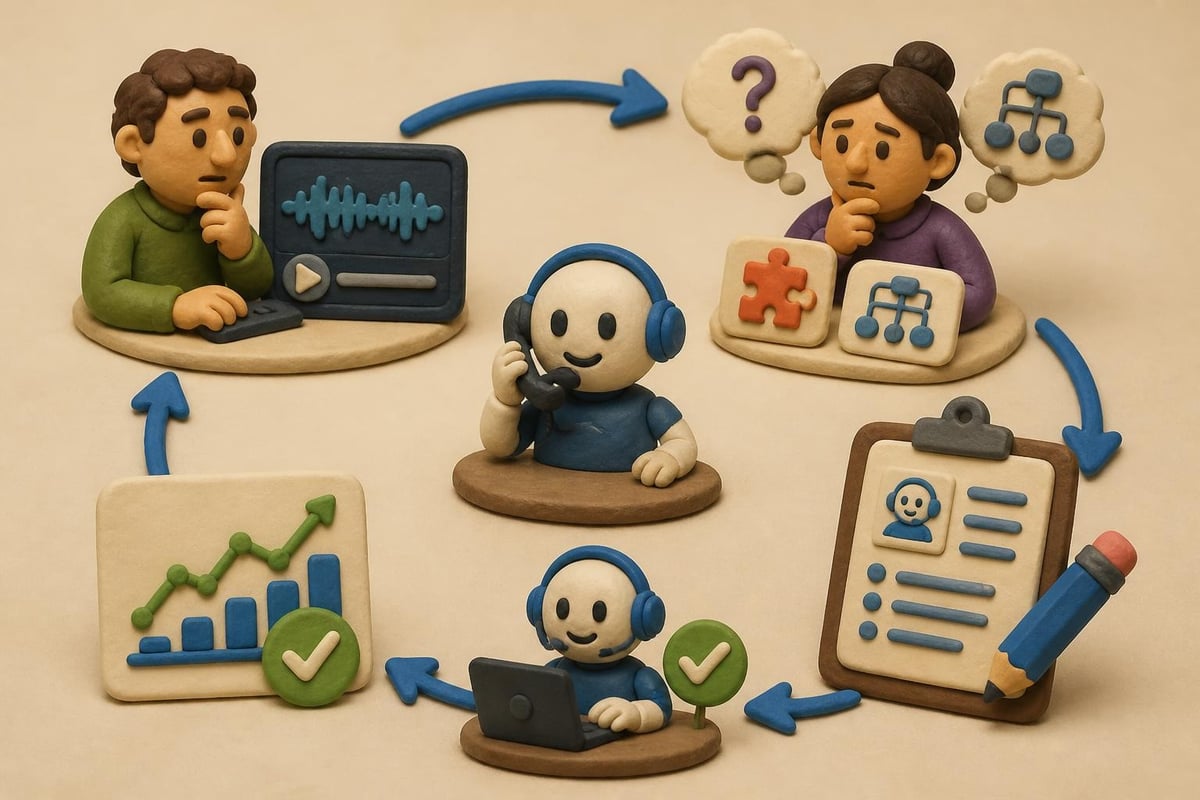
When something goes wrong, follow this process:
- Listen to the call recording to hear exactly what happened
- Identify the gap in knowledge, routing, or calendar access
- Update the relevant rule or knowledge in the agent's settings
- Test it yourself by calling and asking the same question
- Monitor for a few days to make sure the fix works
Most problems fall into three categories:
- Knowledge gaps where the agent does not know the answer
- Routing errors where calls go to the wrong person
- Calendar conflicts where the agent books over existing meetings
All three are fixed by updating settings, not by rebuilding the whole system.
Integration With Your Sales and Support Stack
Your ai receptionist is most useful when it connects to the tools you already use.
A 12 person recruiting firm uses HubSpot for their CRM. When their ai receptionist talks to a new lead, it creates a contact record in HubSpot with the call transcript, stated budget, and timeline. Their sales team sees the lead in their pipeline before the prospect even hangs up.
Another agency uses Slack for internal communication. Their ai receptionist sends a Slack message to the account manager whenever a client calls with an urgent issue. The message includes who called, what they need, and how urgent it is. The account manager can call back in minutes instead of hours.
What to Connect First
Start with these three integrations:
- Calendar so the agent can book meetings
- CRM so leads are captured automatically
- Team communication tool (Slack, Teams) so urgent calls get immediate attention
You can add more later. Email marketing platforms, project management tools, billing systems. But those three give you 80% of the value in the first month.
If you are building custom AI agents for your business, starting with a receptionist agent is the fastest way to see ROI because every agency answers phones and books meetings. Our guide to AI agents for business explains which tasks beyond the receptionist are worth automating first.
Training Your Team to Work With It
Your team needs to know when the ai receptionist will transfer calls to them and what information it already collected.
Run a 15 minute training session. Show your team:
- What questions the agent asks callers
- What information it captures before transferring
- How to access call transcripts and recordings
- When they should call the agent themselves to test it
A common mistake is not telling your team the agent exists. They pick up a transferred call and ask questions the agent already asked. The caller gets frustrated repeating themselves.
Instead, set the expectation that transferred calls come with context. The agent already asked basic questions. Your team picks up where the agent left off.
Handling Escalations Smoothly
Some callers do not want to talk to AI. They ask for a human immediately. Your ai receptionist should transfer those calls without argument.
The script should be: "Of course, let me connect you with someone on the team right now." Then transfer.
Do not try to convince someone to talk to the agent if they do not want to. Just transfer them. About 5% of callers will request a human immediately. That is fine. The other 95% get faster service from the agent.
Security Risks Specific to Voice Agents
Voice agents introduce risks that text based agents do not have. An attacker can call your ai receptionist and try to manipulate it into revealing information or taking unauthorized actions.
AWS published four security principles for agentic AI systems that apply directly to receptionist agents: isolated permissions, monitored actions, validated inputs, and audit logs.
What Could Go Wrong
Here are real risks:
- A caller tricks the agent into revealing another client's meeting time
- A caller books fake meetings to block your calendar
- A caller extracts pricing information you do not publish
- A caller convinces the agent to transfer them to your CEO's cell phone
All of these can be prevented with proper configuration.
How to Lock It Down
Set these rules:
- Limit what the agent can share. Only public information like office hours and service descriptions.
- Require verification before sharing client data. The agent should never confirm who your clients are.
- Rate limit bookings per phone number. No more than 2 meetings per day from the same number.
- Restrict transfer destinations. Only allow transfers to your main business lines, not personal cell phones.
- Log everything. Keep call recordings and transcripts for at least 30 days.
The OWASP Artificial Intelligence Security Verification Standard provides a testing framework you can use to audit your ai receptionist before launch.
Measuring Performance and ROI
You need to track whether your ai receptionist is actually helping your business or just answering phones.
Track these metrics:
- Calls answered vs missed compared to before you had the agent
- Meetings booked by the agent vs manually booked
- Average response time from call to human callback
- Call resolution rate (how many calls the agent fully handled without transfer)
A 20 person agency we work with tracks these numbers weekly. Before their ai receptionist, they missed 18% of calls during business hours. After, they miss 2%. Meetings booked increased 40% because the agent offers available slots immediately instead of playing phone tag.
When to Review and Adjust
Review your ai receptionist performance every two weeks for the first two months. After that, monthly reviews are enough.
In each review, listen to 5 random call recordings. Look for:
- Questions the agent could not answer
- Incorrect information given to callers
- Awkward phrasing or unnatural responses
- Calls that should have been transferred but were not
Update the agent based on what you find. This process takes 30 minutes per month once the agent is stable.
Industry Specific Considerations
An ai receptionist for a recruiting firm works differently than one for a marketing agency or a consulting practice.
Recruiting firms need the agent to collect candidate information, job requirements, and salary expectations. It should route active searches to the right recruiter and screen out unqualified candidates.
Marketing agencies need the agent to understand different service lines. SEO, PPC, social, creative. It should ask which services the caller needs and route to specialists.
Consulting firms need the agent to protect partner time. It should qualify leads thoroughly before booking partner calls and route existing client questions to project managers.
Building for Your Workflow
Map your current phone workflow before you build the agent. Write down:
- What types of calls you get (new leads, client questions, vendors, spam)
- What information you need from each type
- Who should handle each type
- What questions you always ask
Give this document to whoever builds your ai receptionist. They will configure the agent to match your workflow instead of forcing you to change how you work.
FAQ
How long does it take to set up an ai receptionist?
Technical setup takes 2 to 4 hours. Training the agent with your specific business information takes another 4 to 6 hours. You can be live in 3 days. Expect to spend 2 weeks refining it based on real calls.
Can it handle multiple languages?
Yes, most ai receptionist platforms support 20 to 50 languages. The agent detects what language the caller speaks and responds in that language. Accuracy is best in English, Spanish, French, German, and Mandarin as of 2026.
What happens if the agent does not know the answer?
It should say "Let me connect you with someone on the team who can help" and transfer the call. A well configured agent transfers 20% to 40% of calls. The rest it handles completely.
An ai receptionist answers every call, books meetings automatically, and routes urgent issues to the right person without you lifting a finger. You stop losing leads to voicemail and your team stops getting interrupted by questions the agent can handle. If you are ready to see how an AI agent would work in your agency, book a free demo and we will walk you through exactly what it would do for your business.